
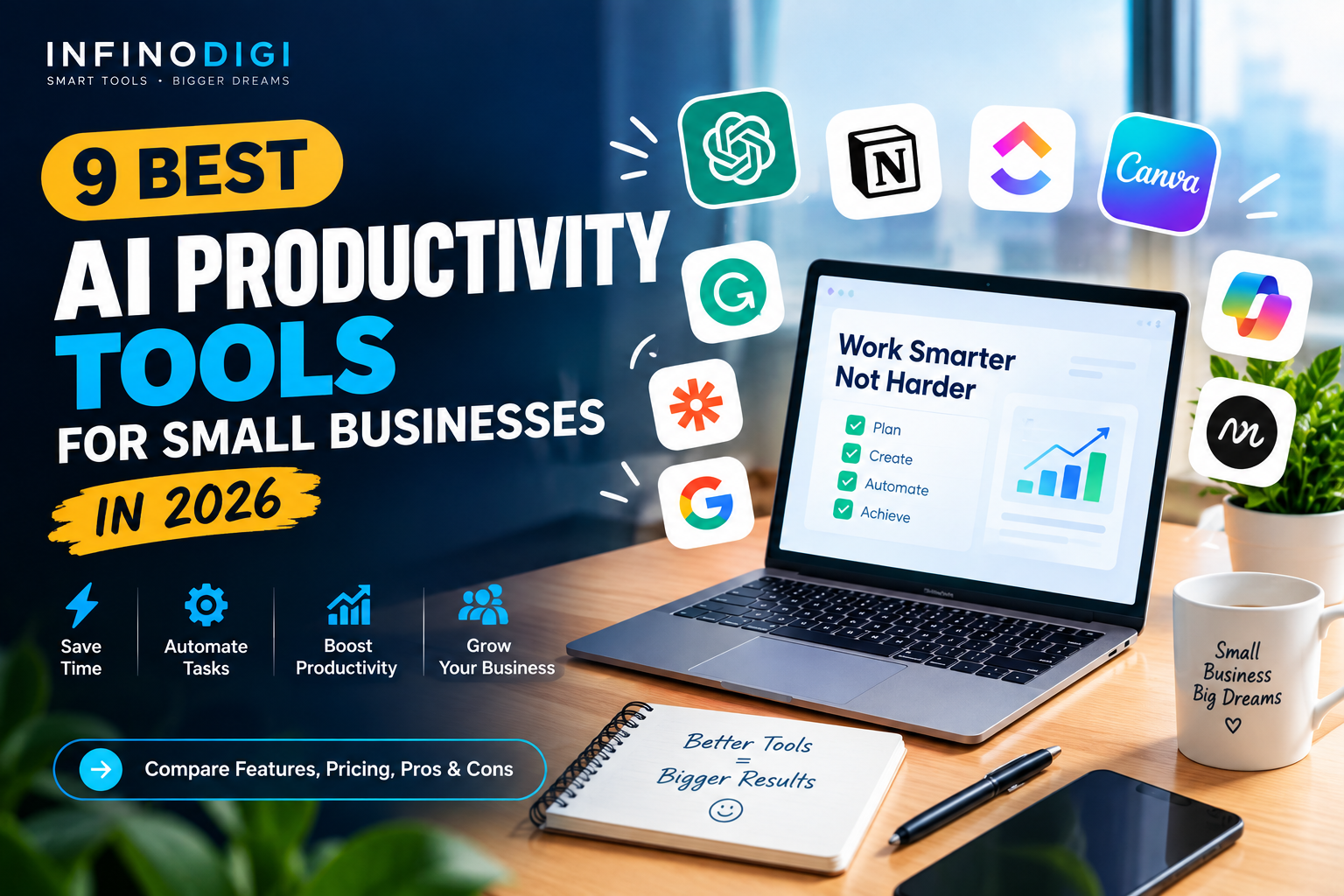
Running a small business in 2026 means competing against companies with far bigger teams and far bigger budgets. You do not have a dedicated assistant, a marketing department, or an operations manager. You have yourself, maybe a small team, and a to-do list that never seems to get shorter.
This is exactly the gap AI productivity tools have been built to close. The right combination of tools can handle your scheduling, draft your emails, organize your projects, automate repetitive admin work, and summarize your meetings — giving you back hours every single week that you can reinvest into actually growing your business.
But here is the catch that trips up most small business owners: installing more tools does not automatically make you more productive. Adopting five new platforms at once usually creates more chaos than it solves. The businesses that genuinely benefit from AI are the ones that choose carefully, start small, and build a system that fits how they already work.
In this guide, we review the 9 best AI productivity tools available for small businesses in 2026 — and more importantly, help you decide which ones actually deserve a place in your workflow.
If you're still exploring the wider AI landscape, start with our guide to7 Best Free AI Tools Every Small Business Should Use in 2026. .Quick Comparison — 9 Best AI Productivity Tools (2026)
| # | Tool | Best For | Free Plan | Starting Price | Rating |
|---|---|---|---|---|---|
| 1 | ChatGPT | All-round AI assistant | ✅ Yes | $20/month | ★★★★★ |
| 2 | Claude | Documents & long-form writing | ✅ Yes | $20/month | ★★★★★ |
| 3 | Notion AI | All-in-one workspace | ✅ Yes | $10/seat add-on | ★★★★☆ |
| 4 | Zapier | Workflow automation | ✅ 100 tasks/mo | From ~$20/month | ★★★★★ |
| 5 | Microsoft 365 Copilot | Word, Excel, Outlook, Teams | ❌ Add-on only | $21/user/month | ★★★★☆ |
| 6 | Motion | AI calendar & task planning | ⚡ 7-day trial | $19/seat/month | ★★★★☆ |
| 7 | Grammarly | Writing quality & tone | ✅ Yes | From ~$12/month | ★★★★☆ |
| 8 | Perplexity AI | Research with sources | ✅ Yes | $20/month | ★★★★☆ |
| 9 | Canva AI | Design & visual content | ✅ Yes | ~$15/month | ★★★★☆ |
The 9 Best AI Productivity Tools for Small Businesses in 2026
ChatGPT
🆓 Free Plan Available Best for: Everyday writing, planning, analysis and brainstorming
ChatGPT remains the most versatile single productivity tool a small business owner can adopt in 2026. A single subscription handles an enormous range of daily work: drafting customer emails, writing product descriptions, analyzing uploaded spreadsheets, researching competitors, summarizing long documents, and generating marketing copy — tasks that would otherwise require several separate tools.
The free tier is genuinely capable for most everyday business tasks, while the paid Plus tier bundles advanced reasoning, deep research runs, image generation, and multi-step task execution into one subscription. For small business owners, the practical value is breadth rather than any single standout feature.
For more specialized writing recommendations, see our guide to 9 Best AI Writing Tools for Small Businesses in 2026. .How Small Business Owners Use ChatGPT
- Drafting customer emails and support replies in seconds
- Analyzing spreadsheets and explaining the numbers in plain language
- Writing product descriptions and website copy
- Creating social media content calendars from a single prompt
- Summarizing long documents, contracts or reports
- Brainstorming marketing campaigns and business ideas
✅ Pros
- ✅ Handles the widest range of tasks
- ✅ Strong free plan for beginners
- ✅ Almost zero learning curve
- ✅ Replaces several single-purpose tools
❌ Cons
- ❌ Can produce inaccurate details
- ❌ Always review output before sending
- ❌ Not embedded in your existing apps
Claude
🆓 Free Plan Available Best for: Long documents, detailed writing and careful analysis
Claude has earned a strong reputation for handling long documents, nuanced writing, and tasks that require following detailed instructions carefully. For small business owners who regularly work with contracts, proposals, policy documents, or lengthy reports, Claude's ability to process and reason across large amounts of text makes it a practical daily tool.
Where ChatGPT excels at breadth, Claude tends to excel at depth. Its writing reads naturally, its document analysis is thorough, and it tends to follow specific instructions closely rather than improvising. Many business owners run both tools side by side — using one for fast drafting and the other for refining and reviewing.
How Small Business Owners Use Claude
- Reviewing and summarizing long contracts or supplier agreements
- Drafting detailed business proposals and client reports
- Editing existing content for clarity, structure and tone
- Building standard operating procedures from rough notes
- Analyzing uploaded documents and answering questions about them
✅ Pros
- ✅ Excellent with long documents
- ✅ Natural, well-structured writing
- ✅ Follows detailed instructions closely
- ✅ Useful free tier available
❌ Cons
- ❌ Free plan has usage limits
- ❌ Fewer bundled extras than ChatGPT Plus
- ❌ Still requires human review of output
Notion AI
🆓 Free Plan Available Best for: Organizing your entire business in one workspace
Notion combines documents, databases, project tracking, and note-taking into a single connected workspace — and its AI layer makes that workspace genuinely intelligent. Instead of scattered notes across notebooks, WhatsApp messages, and random files, everything lives in one searchable place where AI can summarize, expand, and organize it for you.
For small businesses, the biggest practical benefit is eliminating tool sprawl. A single Notion setup can replace a separate project manager, a document tool, a meeting notes app, and a content calendar — which means fewer subscriptions, fewer logins, and less time lost switching between platforms.
If meetings are taking up too much of your team's time, see our guide to 7 Best AI Meeting Assistants in 2026 for Small Businesses. .How Small Business Owners Use Notion AI
- Turning rough meeting notes into clear action items automatically
- Building a content calendar for blog posts and social media
- Creating a searchable knowledge base for your business processes
- Managing client projects, deadlines and deliverables in one view
- Writing standard operating procedures from bullet points
✅ Pros
- ✅ Replaces multiple separate tools
- ✅ Highly flexible and customizable
- ✅ Strong free plan for individuals
- ✅ Great for team collaboration
❌ Cons
- ❌ Takes time to set up properly
- ❌ AI features require a paid add-on
- ❌ Can become over-complicated quickly
Zapier
🆓 100 Free Tasks/Month Best for: Automating repetitive admin work between apps
Zapier connects thousands of apps and automates the repetitive work that quietly consumes your week. When a new customer fills out your contact form, Zapier can automatically add them to your email list, create a task in your project tool, send a welcome email, and notify you — all without you touching anything.
In 2026, Zapier's AI features let you describe an automation in plain English rather than building it step by step, which removes the technical barrier that previously kept many small business owners away. The free plan covers 100 automated tasks per month — enough for most solo businesses to automate their two or three biggest time drains.
How Small Business Owners Use Zapier
- Adding new form submissions straight into your email list
- Sending automatic confirmation emails when an order arrives
- Creating a task automatically whenever a client replies
- Backing up important form data into a spreadsheet
- Getting instant notifications when a high-value lead comes in
✅ Pros
- ✅ Saves hours of manual admin work
- ✅ Connects almost every business app
- ✅ No coding knowledge required
- ✅ Free plan covers basic needs
❌ Cons
- ❌ Costs rise as task volume grows
- ❌ Broken automations can go unnoticed
- ❌ Requires clear thinking about your process first
Microsoft 365 Copilot
💳 Paid Add-On Only Best for: Businesses already running on Word, Excel, Outlook and Teams
If your business already runs on Microsoft 365, Copilot brings AI directly into the apps your team uses every day. It drafts emails inside Outlook, analyzes data inside Excel, summarizes Teams meetings, and creates documents in Word — all without switching to a separate AI tool or copying content between windows.
The research is consistent on this point: AI tools that live inside your existing apps get used far more often than standalone assistants that require opening another tab. For teams already committed to Microsoft, that proximity advantage is Copilot's strongest selling point — though it comes at a higher price than most tools on this list.
How Small Business Owners Use Copilot
- Drafting and summarizing emails directly inside Outlook
- Analyzing spreadsheets and building formulas inside Excel
- Generating meeting summaries automatically in Teams
- Creating first-draft documents and reports in Word
- Building presentation slides in PowerPoint from an outline
✅ Pros
- ✅ Works inside apps you already use
- ✅ Very high team adoption rates
- ✅ Strong Excel and Outlook capabilities
- ✅ Enterprise-grade data handling
❌ Cons
- ❌ Expensive add-on with no free tier
- ❌ Requires a qualifying Microsoft plan
- ❌ Features spread across separate apps
Motion
⚡ 7-Day Free Trial Best for: Business owners drowning in tasks and calendar chaos
Motion takes a genuinely different approach to productivity. Instead of giving you another task list to manage, it automatically schedules your tasks into your actual calendar based on deadlines, priorities, and how much time you realistically have available. When something changes or a meeting runs long, it reshuffles your entire day automatically.
For small business owners who constantly juggle client work, admin, and business development — and who regularly end the day wondering where the time went — Motion removes the mental overhead of deciding what to work on next. The AI makes that call for you, based on what genuinely matters most.
How Small Business Owners Use Motion
- Automatically scheduling tasks around existing meetings
- Rebuilding the day's plan instantly when priorities change
- Protecting focused work time from constant interruptions
- Tracking project deadlines across multiple clients
- Seeing realistically whether a deadline is actually achievable
✅ Pros
- ✅ Removes daily planning decisions
- ✅ Reschedules automatically when things shift
- ✅ Combines calendar and tasks in one place
- ✅ Genuinely useful for overloaded owners
❌ Cons
- ❌ Higher price than most alternatives
- ❌ No permanent free plan
- ❌ Only works if you commit to it fully
Grammarly
🆓 Free Plan Available Best for: Professional writing quality across every platform
Grammarly is the lowest-effort productivity win on this entire list. Install the free browser extension once, and from that moment onward every email, social post, proposal, and web form you type gets checked automatically for grammar, spelling, clarity, and tone — with no extra steps, no new habits to build, and no workflow changes required.
For a small business, this matters more than it sounds. Every piece of writing you send represents your brand. A typo in a client proposal or a poorly worded customer email quietly erodes trust — and those small errors are exactly what tends to slip through when you are typing quickly between other tasks.
How Small Business Owners Use Grammarly
- Catching typos in client emails before hitting send
- Adjusting tone from casual to formal for important messages
- Improving clarity in website and product copy
- Polishing social media posts automatically
- Maintaining consistent professional quality across the team
✅ Pros
- ✅ Works automatically everywhere
- ✅ Requires no habit change at all
- ✅ Genuinely useful free plan
- ✅ Tone detection is surprisingly helpful
❌ Cons
- ❌ Advanced rewrites need premium
- ❌ Does not generate content from scratch
- ❌ Occasional unnecessary suggestions
Perplexity AI
🆓 Free Plan Available Best for: Fast research with sources you can actually verify
Perplexity works like a research assistant rather than a search engine. Instead of returning a list of links for you to sift through, it reads across sources and gives you a direct, summarized answer — with citations attached so you can verify where each claim came from. For business research, that verification layer matters enormously.
Small business owners typically use Perplexity for competitor research, pricing comparisons, understanding new regulations, and gathering facts for content. What previously took 30 minutes of opening browser tabs now takes two minutes, with sources included so you can confirm anything important before acting on it.
How Small Business Owners Use Perplexity AI
- Researching competitor pricing and positioning quickly
- Finding current regulations relevant to your industry
- Gathering facts and statistics for blog content
- Comparing suppliers or software before purchasing
- Monitoring an industry topic over time using saved workspaces
✅ Pros
- ✅ Every answer includes sources
- ✅ Dramatically faster than manual research
- ✅ Free plan covers most business needs
- ✅ Pulls from current information
❌ Cons
- ❌ Sources still need checking for quality
- ❌ Less useful for creative writing tasks
- ❌ Advanced features require Pro
Canva AI
🆓 Free Plan Available Best for: Creating professional visuals with zero design experience
Visual content is no longer optional for small businesses, but hiring a designer for every social post, flyer, or presentation is not realistic. Canva's AI features close that gap — Magic Write generates text inside your designs, Magic Design creates branded templates from a short prompt, and one-click background removal handles product photos instantly.
The productivity gain comes from templates plus AI working together. Once you build a small set of branded templates using your colors and fonts, producing a full week of social media content becomes a 30-minute task rather than a full afternoon.
Need more powerful options for visual content? See our guide to the best AI image generators for small businesses. .How Small Business Owners Use Canva AI
- Producing a week of social media posts in one sitting
- Removing backgrounds from product photos in one click
- Creating branded flyers, menus and promotional materials
- Building client presentations from a simple outline
- Generating auto-subtitles for short marketing videos
✅ Pros
- ✅ Extremely easy for beginners
- ✅ Strong free plan
- ✅ Huge template library
- ✅ Handles design, text and video
❌ Cons
- ❌ Templates can look generic if unedited
- ❌ Best features sit behind Pro
- ❌ Less powerful than specialist design tools
Which AI Productivity Tool Is Right for You?
The right choice depends less on which tool is objectively best and more on which problem is currently costing you the most time. Here is a straightforward guide:
| If Your Biggest Time Drain Is... | Start With This Tool |
|---|---|
| Writing emails, content and everyday copy | ChatGPT |
| Reviewing long documents and contracts | Claude |
| Information scattered everywhere | Notion AI |
| Repetitive manual admin between apps | Zapier |
| Working mostly inside Word, Excel and Outlook | Microsoft 365 Copilot |
| Never knowing what to work on next | Motion |
| Typos and unprofessional writing | Grammarly |
| Slow research and competitor analysis | Perplexity AI |
| Creating social media and marketing visuals | Canva AI |
Your 30-Day Rollout Plan
Here is a realistic plan that avoids overwhelm and builds genuine habits rather than abandoned subscriptions:
Install Grammarly and Start ChatGPT
Both are free and require no workflow change. Use ChatGPT for at least three real tasks — an email, a social post, and a document summary.
Identify Your Biggest Time Drain
Track where your hours actually go for five days. Whatever consumes the most time is the problem your third tool should solve.
Add One Targeted Tool
Based on week two, pick one tool from the decision table above. Use its free plan or trial before paying for anything.
Review and Decide
Keep what you genuinely used daily. Cancel what you did not. Only then consider adding a fourth tool to your stack.
Common Mistakes to Avoid
Most small businesses that fail to benefit from AI tools make one of these predictable mistakes:
❌ Subscribing Before Testing
Almost every tool on this list has a free plan or trial. Paying before proving the tool fits your workflow wastes money every time.
❌ Adopting Five Tools at Once
Each new tool adds friction. Businesses that adopt gradually see far better results than those that overhaul everything overnight.
❌ Publishing AI Output Unchecked
AI can produce confident but inaccurate information. Always review anything customer-facing before it goes out.
❌ Automating a Broken Process
Automation multiplies whatever process it is given. Fix the underlying workflow first, then automate it.
❌ Entering Sensitive Data
Avoid pasting confidential customer details or financial records into general AI tools unless the terms explicitly protect that data.
❌ Expecting Instant Transformation
Real gains appear after a few weeks of consistent use, not on day one. Give each tool a genuine trial period.
InfinoDigi's Top 3 Picks for Small Businesses
ChatGPT
One tool that handles writing, analysis, planning and research — with a free plan that genuinely works.
Grammarly
Two minutes to install, then it improves every word your business writes — forever, for free.
Zapier
One good automation can save 30+ minutes every week, permanently, with no ongoing effort.
Frequently Asked Questions
Q How many AI productivity tools should a small business actually use?
Two to three is the realistic sweet spot for most small businesses. Adding more tools than you can genuinely use daily creates tool sprawl — more subscriptions, more logins, and more places for information to get lost. Start with one tool, build the habit, then add another only when a specific problem justifies it.
Q Can I run my business on free AI tools only?
Yes, for many small businesses. ChatGPT, Claude, Grammarly, Perplexity, Canva, Notion, and Zapier all offer free plans that cover genuine business needs. A solo business owner can realistically build a complete AI workflow without spending anything, then upgrade selectively only where free limits actually constrain real work.
Q Do I need technical skills to use these tools?
No. Every tool in this guide is designed for non-technical users. ChatGPT, Claude, Grammarly, Perplexity, and Canva require nothing beyond typing what you want. Zapier and Notion have slightly steeper learning curves but still require no coding — only clear thinking about your own processes.
Q Is it safe to put business information into AI tools?
Use general judgment. Drafting marketing copy, summarizing public documents, and brainstorming ideas are low risk. Avoid pasting confidential customer records, financial details, or sensitive contracts into consumer-tier AI tools. Business and team plans typically offer stronger data handling commitments — check the specific terms before handling anything sensitive.
Q How long before I actually see time savings?
Most business owners notice meaningful savings within two to three weeks of consistent daily use. The first week typically feels slower as you learn how to prompt effectively and adjust your workflow. The tools that deliver fastest returns are the ones requiring no habit change at all — Grammarly being the clearest example.
Want to Get More Done in Less Time?
Explore more free AI guides, honest tool reviews, and practical tips — all written specifically for small business owners. New guides published every week.
Read More Free Guides →Final Thoughts
AI productivity tools in 2026 have reached a point where the technology is no longer the limiting factor — the limiting factor is how thoughtfully you adopt them. The tools themselves are affordable, accessible, and genuinely capable. What separates businesses that save twenty hours a month from those that save none is discipline in choosing and sticking with the right few.
Start with the problem that is currently costing you the most time. If it is writing, start with ChatGPT and Grammarly. If it is disorganization, start with Notion. If it is repetitive admin, start with Zapier. If it is your calendar, try Motion. One tool, used properly, will change your week far more than nine tools used occasionally.
Give whichever tool you choose a genuine thirty days. Build the habit before adding anything else. That single piece of discipline is what turns AI from an interesting experiment into a real competitive advantage for your business.
If this guide helped you, subscribe to our free weekly newsletter below. Every week we publish practical AI tips, honest tool reviews, and step-by-step guides specifically for small business owners — completely free.
InfinoDigi Team
InfinoDigi is dedicated to helping small business owners grow smarter using artificial intelligence. We test, review, and explain AI tools in plain English — no tech background required. New guides published every week at infinodigi.com.